March 17th, 2011 by Meldun
This Photoshop tutorial by
Tutcast shows us how to use the Channel Mixer feature in Adobe Photoshop and possible applications.

Posted in Effects, Photo Manipulation, Photo Retouch | No Comments »
March 10th, 2011 by Meldun
Today’s Photoshop Tutorial by
Tutcast will show you how to make a image look like it was painted in watercolor.
Posted in Photo Manipulation, Photo Retouch | No Comments »
February 7th, 2011 by Meldun
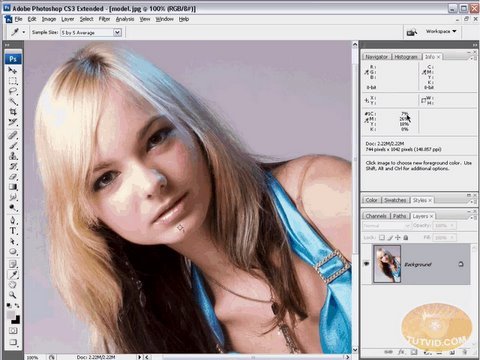
Today Tutvids shows us basics of RGB and CMYK colors and also how to use them to enhance images. This is a long (30mins) but covers everything that you need to know about the RGB and CMYK colors and its uses. Enjoy!
Posted in Color, Photo Manipulation, Photo Retouch | No Comments »
November 29th, 2010 by Meldun
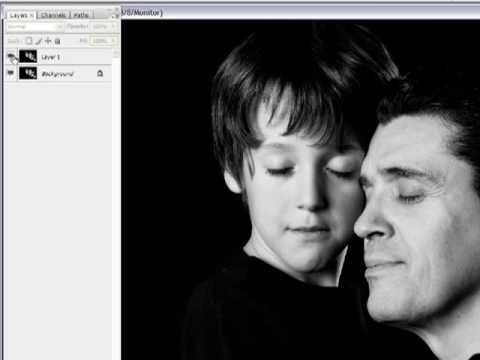
This Photopshop Tutorial video by
TouchPhoto will show us how to add mood to our photos such as love, romance, and bonding which will be done using the Gaussian Blur filter. Fear not the sharpness and detail of your photo will remain intact.
Posted in Effects, Photo Manipulation, Photo Retouch | No Comments »
November 22nd, 2010 by Meldun
Its time for another Photoshop Tutorial, this one done by
TouchPhoto will show us how to sharpen an image without using the standard sharpening tools, and the way this will be done is through the High Pass Filter option. Take a look at the video!
Posted in Photo Manipulation, Photo Retouch | No Comments »